Open it and
make music.
A music studio for people who'd rather play than read a manual. Plug in a keyboard, sing into a microphone, add some reverb, export an MP3. That's it.
Your computer is already a piano.
In Oxbeat the letters on your keyboard play notes, so you can start a song before you own any gear. Try it right here: press A to K, or tap the keys. Z and X change octave.
Octave 4
A whole studio, none of the homework.
The first thing you see is a track that already makes sound. Everything else is one click away.
Play
Plug in a MIDI keyboard and it just works. No keyboard? Use the computer keys or the on-screen keys and drum pads.
Record
Record what you play as notes, or your voice and guitar through a microphone, with a level meter and monitoring.
Sounds
Built-in synths and drum kits. Load SoundFont (SF2), SFZ and plain audio files from your own disk.
Edit
Move, stretch, split and duplicate clips. Fix notes in the piano roll, program beats on a drum grid, quantize in one click.
Effects
Reverb, delay, EQ, compressor, distortion, chorus, gate, de-esser and pitch correction, plus one-click vocal presets.
Mix
A fader, pan and meter for every track, and a limiter on the master so a loud song never distorts.
Keep time
Metronome, a one-bar count-in before you record, and a loop range for practising a section.
Share
Export the song as MP3 for friends or WAV in full quality, with reverb and echo left to ring out.
Undo
Every change can be undone and redone, so trying an idea never costs you anything.
Own it
A project is a plain folder holding a readable project file and your recordings. Nothing lives in a cloud.
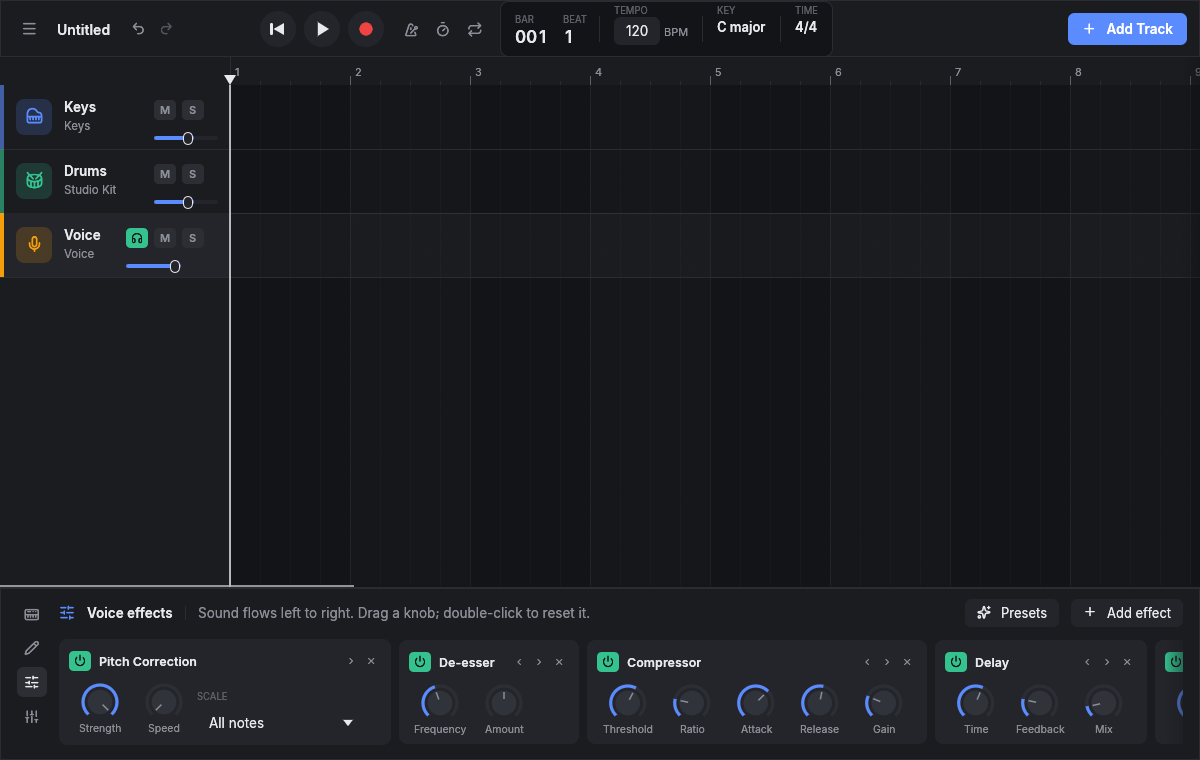
Make your voice sound finished.
Pick a vocal preset or build your own chain. Sound flows left to right; drag a knob, double-click it to reset.
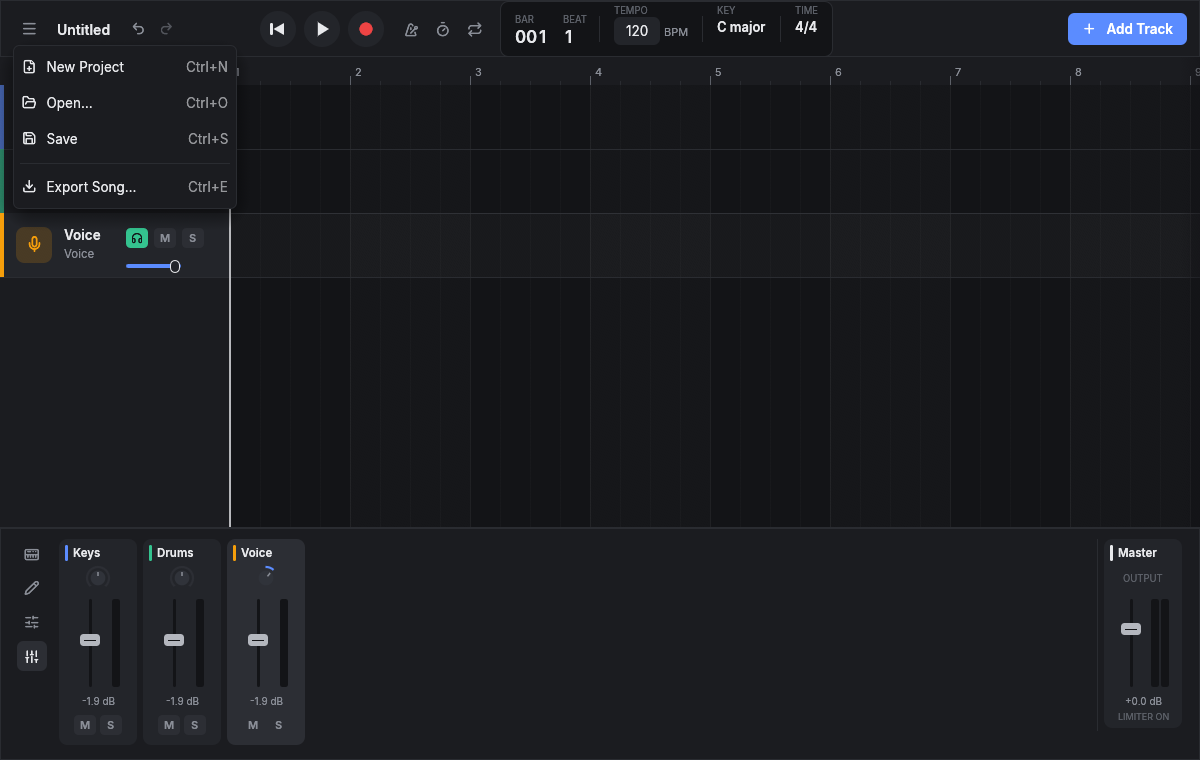
Balance everything in one place.
Every track gets a fader, pan and meter. The master limiter catches the peaks, so the export never clips.
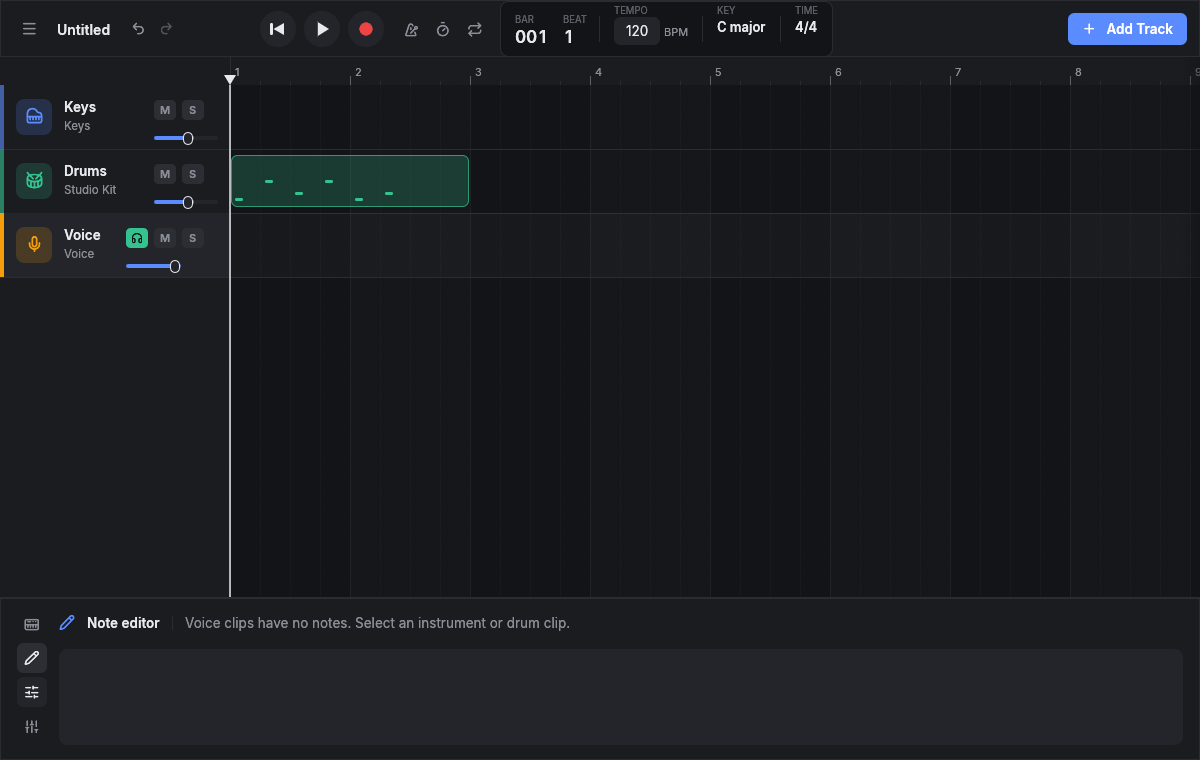
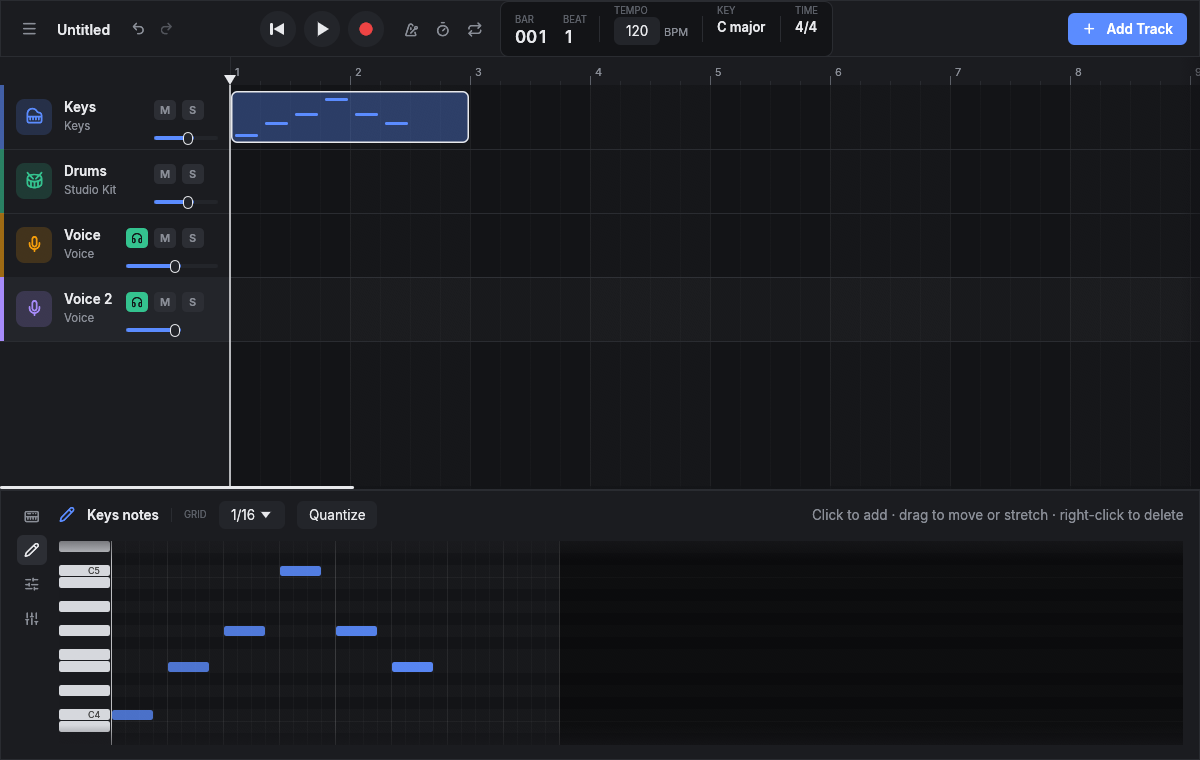
Lay out the song.
Each instrument and voice gets its own lane. Drag clips to move them, pull an edge to stretch, double-click to open the notes.
€0.
Not a trial.
- No account. Open the app and play. It works offline.
- No subscription, no ads. Nothing is locked behind a paywall.
- GPL licensed. Anyone can read the code, fix it and share it. Nobody can take it away.
More instruments, one click away.
Open Add Track → Store in Oxbeat to install these free sound packs. Each one is free to use in your own music and comes with its licence.
| Pack | What it is | Licence | By |
|---|---|---|---|
| GeneralUser GS | Pianos, guitars, strings, brass, synths and drum kits in one small bank | GeneralUser GS v2.0 | S. Christian Collins |
| Sam's Sonor Drums | A real Sonor Force 3001 kit, recorded with several velocity layers | CC BY-SA 4.0 | Sam Greene |
| MTG Solo Saxophones | Soprano, alto, tenor and baritone saxophones played note by note | CC BY 4.0 | Music Technology Group, UPF |
| Ixox Flute | A soft, breathy concert flute | CC BY 4.0 | Xavier Hosxe |
| Cowsynth | Quirky sample-based synth organs, pads and plucks | CC0 1.0 | Karoryfer Samples |

Download Oxbeat 0.2.1
- WindowsWindows 10 and 11 · installerDownload
- macOSApple Silicon (M1 and newer) · disk imageDownload
- macOSIntel Macs · disk imageDownload
- LinuxAny distribution · AppImageDownload
- LinuxDebian and Ubuntu · .deb packageDownload
The installers aren't code-signed yet, so your computer asks once before the first launch. On Windows choose More info → Run anyway. On macOS right-click the app and choose Open.